How to Build Scalable Cloud DICOM-WEB Services
Learn how to build distributed DICOM-WEB services using open-source projects.
Overall Architecture
- Apache Kafka as message queue. RedPanda can be used as alternative during development.
- Apache Doris as data warehouse. Provides storage for DicomStateMeta, DicomImageMeta, and WadoAccessLog, offering query and statistical analysis.
- PostgreSQL as database. Provides data storage and indexing functions. Stores only patient, study, and series level metadata to fully leverage ACID properties of relational databases. Can be scaled later with Citus.
- Redis as cache. Provides data caching functionality.
- Nginx as reverse proxy server. Provides load balancing, static files, and TLS termination.
Files received by the storage service are first stored locally, then sent to the message queue via Kafka.
Message Body = { TransferSyntax, SopInstanceUID, StudyInstanceUID, SeriesInstanceUID, PatientID, FileName, FileSize, FilePath }
Messages are distributed to multiple queues:
- Storage Queue: Stores file information, file storage path, file size.
- Index Queue: Extracts file TAG information, including PatientInformation, StudyInformation, SeriesInformation, ImageInformation, and writes to Doris database.
- Conversion Queue: For some transfer syntaxes that Cornerstone3D cannot parse, convert to formats that CornerstoneJS can parse. Failed conversions are written to Doris conversion record table.
Service Purposes and Descriptions
| Service | Purpose |
|---|---|
| wado-server | DICOM Web WADO-RS API implementation, supports OAuth2. |
| wado-storescp | CStoreSCP Provider, writes DICOM files to disk and publishes messages to Kafka: storage_queue, log_queue |
| wado-consumer | Consumes storage-queue, and publishes messages to Kafka: dicom_state_queue, dicom_image_queue, uses stream_load to write to Doris |
| wado-webworker | Generates metadata for wado-server and updates related instances for series and study. |
wado-server
DICOM Web WADO-RS API implementation, with OAuth2 authentication enabled based on configuration options.
wado-storescp
DICOM CStoreSCP service that receives DICOM files and writes them to disk, simultaneously distributing messages to Kafka: storage_queue, log_queue
-
- Storage file path: ${ROOT}////.dcm
-
- Send messages to message queues: storage_queue, log_queue
wado-consumer
Consumes Kafka message queue storage_queue, extracts DicomStateMeta to main database, and publishes DicomStateMeta and DicomImageMeta to Doris database via message queues: dicom_state_queue, dicom_image_queue
-
- Read from storage-queue, write to dicom_state_queue, dicom_image_queue
-
- Extract DicomStateMeta to main database
-
- Publish DicomStateMeta and DicomImageMeta to Doris database using Stream_Load mode via message queues: dicom_state_queue, dicom_image_queue
wado-webworker
Periodically scans database and generates JSON-formatted metadata based on last update time to accelerate WADO-Server access
Summary
Subsequent related subsystem introductions will all revolve around this foundation.
Storage file and metadata paths:
- Storage file path: ${ROOT}/TenantID/StudyInstanceUID/SeriesInstanceUID/SopInstanceUID.dcm
- StudyMetadata storage path: ${ROOT}/metadata/StudyInstanceUID/SeriesInstanceUID.json
- SeriesMetadata storage path: ${ROOT}/metadata/StudyInstanceUID.json
Tools needed during development:
- DICOMwebJS
- Dcm4che
- Wireshark
- DVTk
- DCMTK
- fo-dicom
- Cornerstone3D
- MicroDicom DICOM Viewer
- RadiAnt DICOM Viewer
Of course, don’t forget the most important DICOM standard:
Additionally, you need to master the following skills:
- Docker skills
- Nginx skills
- Linux skills
- PostgreSQL skills
How To Build A Cloud DICOM-WEB Service. Follow Me:
** Part One: Database Design and Database Interface **
** Part Two: Common Function and Configuration Manager for Services Building **
- DICOM Cloud Part Two 4.1 Common Module Introduction
- DICOM Cloud Part Two 4.2 Storage Configuration
- DICOM Cloud Part Two 4.3 Database Factory
- DICOM Cloud Part Two 4.4 Redis
- DICOM Cloud Part Two 4.4 Kafka Message Publish
- DICOM Cloud Part Two 4.6 Extract DICOM Information
- DICOM Cloud Part Two 4.7 Security
- DICOM Cloud Part Two 4.8 Write File To Storage
- DICOM Cloud Part Two 5.1 wado-storescp Implementation
- DICOM Cloud Part Two 6.1 wado-consumer Service
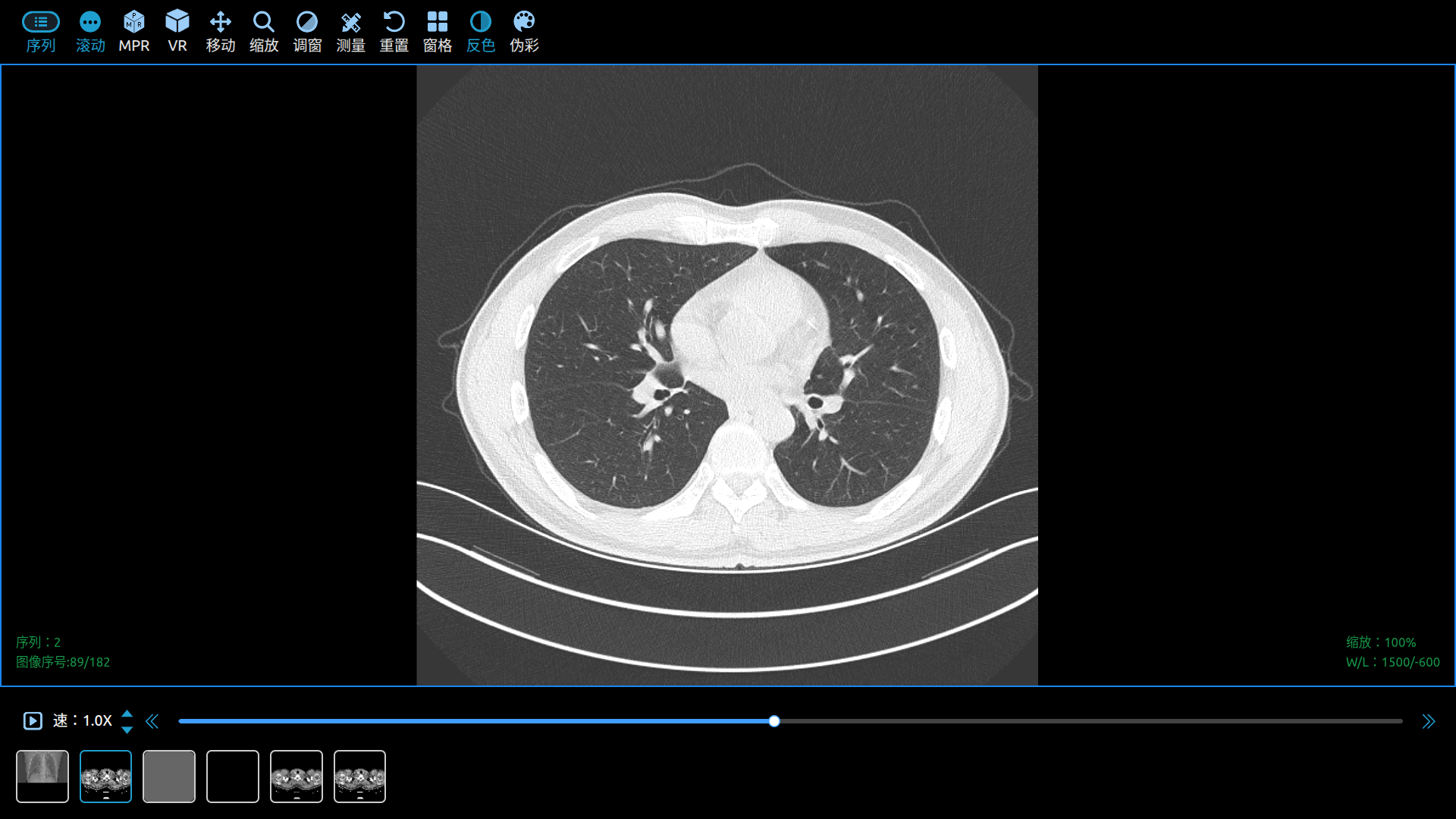
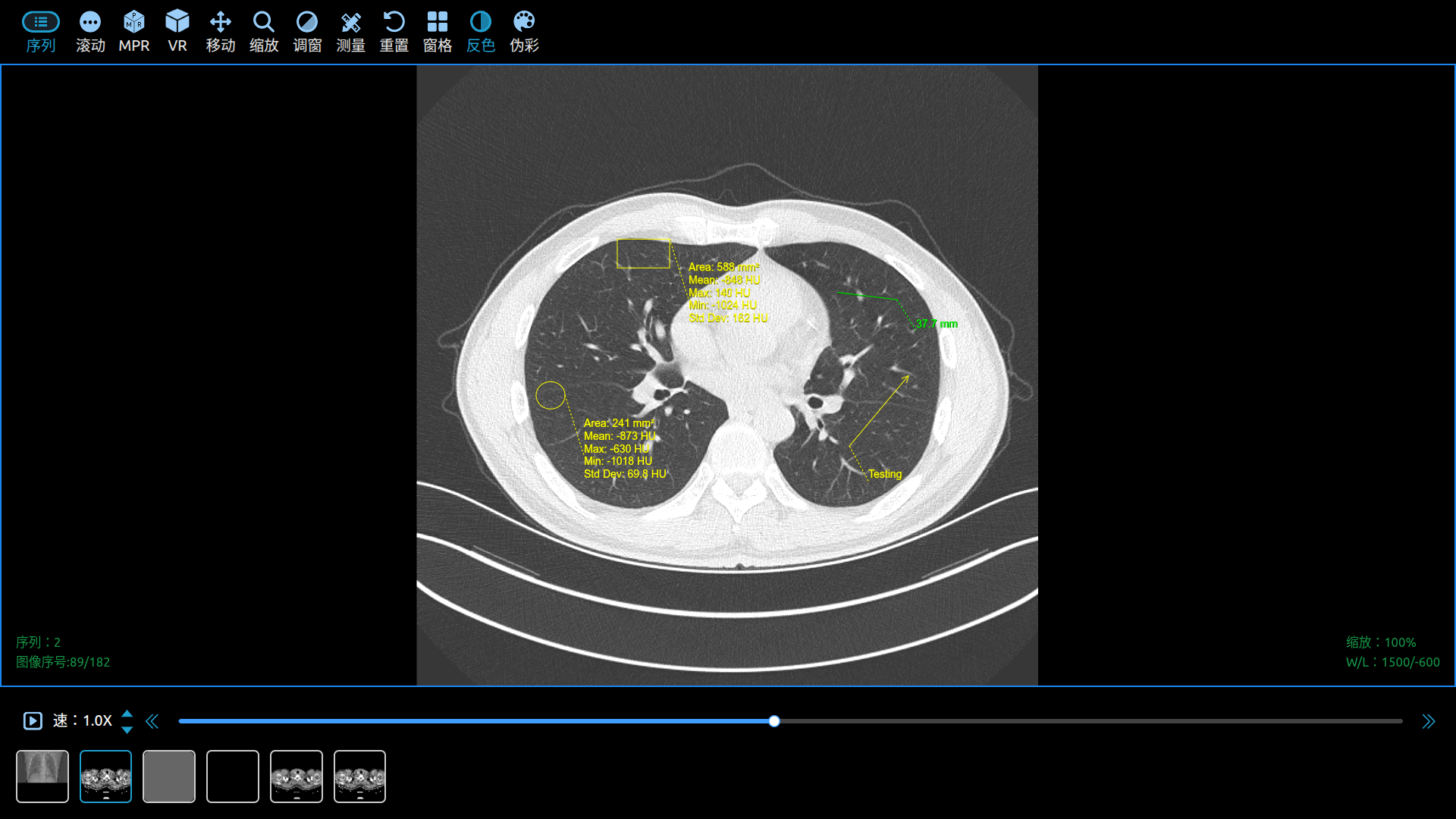
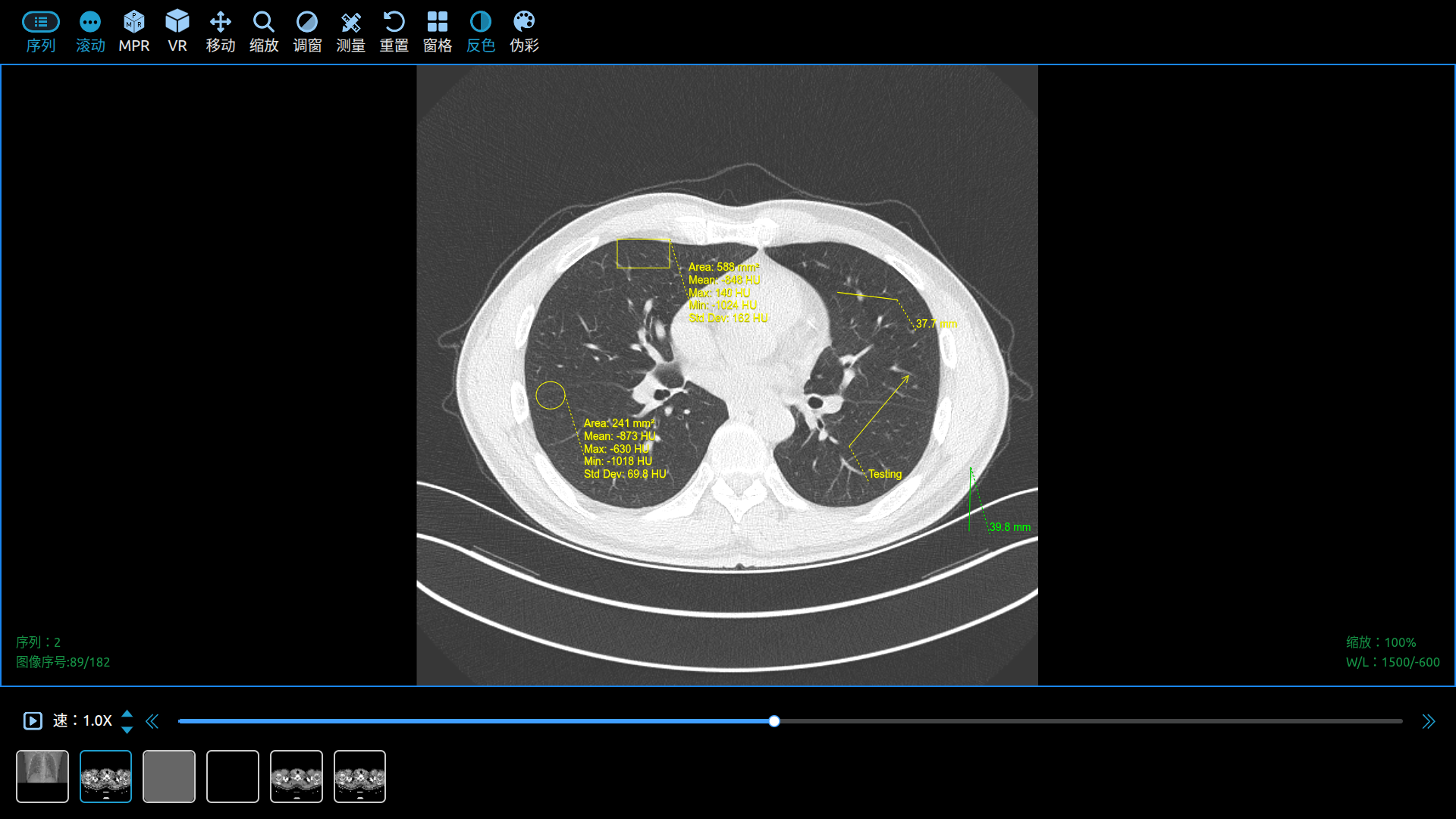
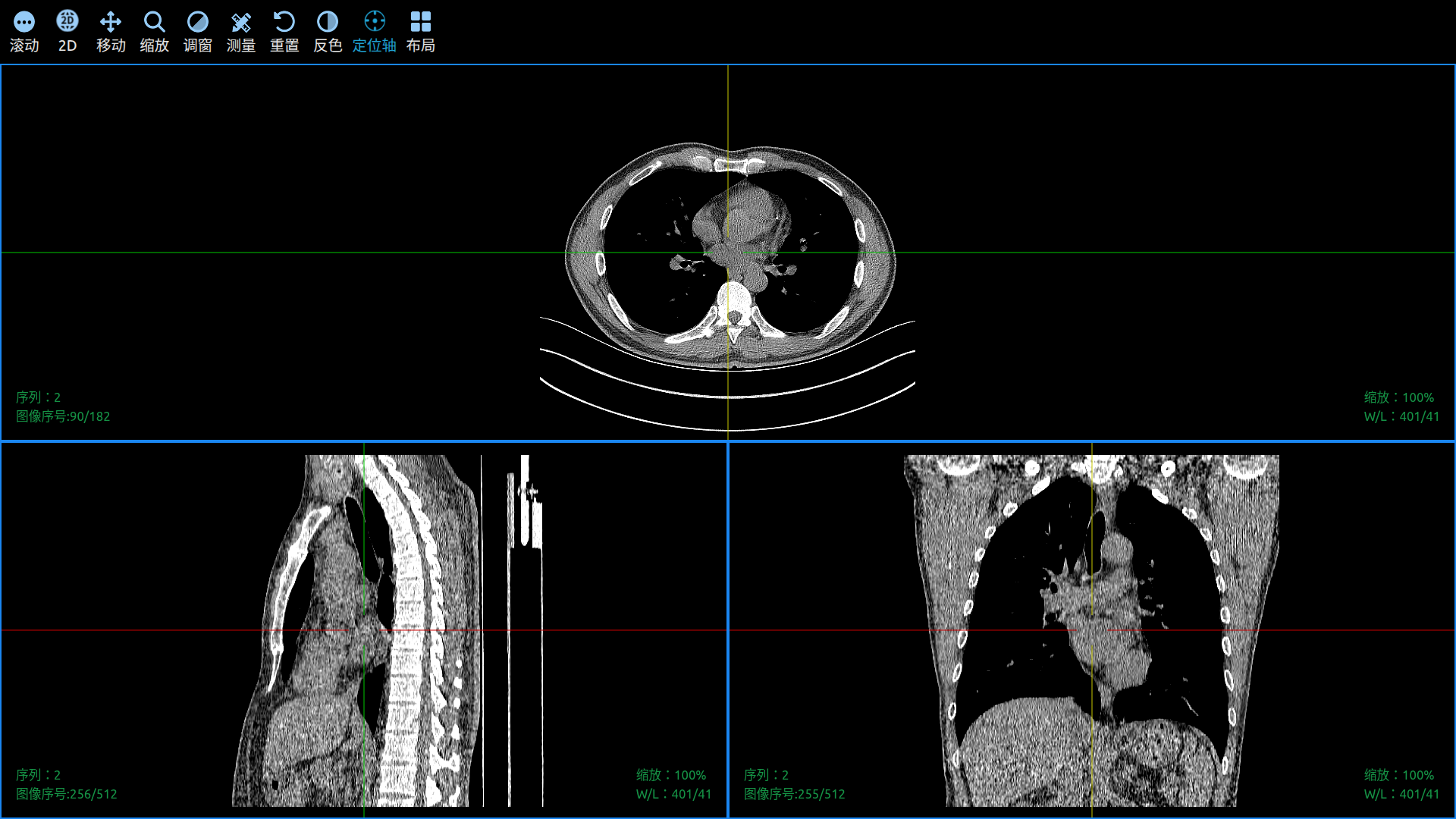
Use Cornerstone3D to View DICOM Images in a Web Browser.
And finally:
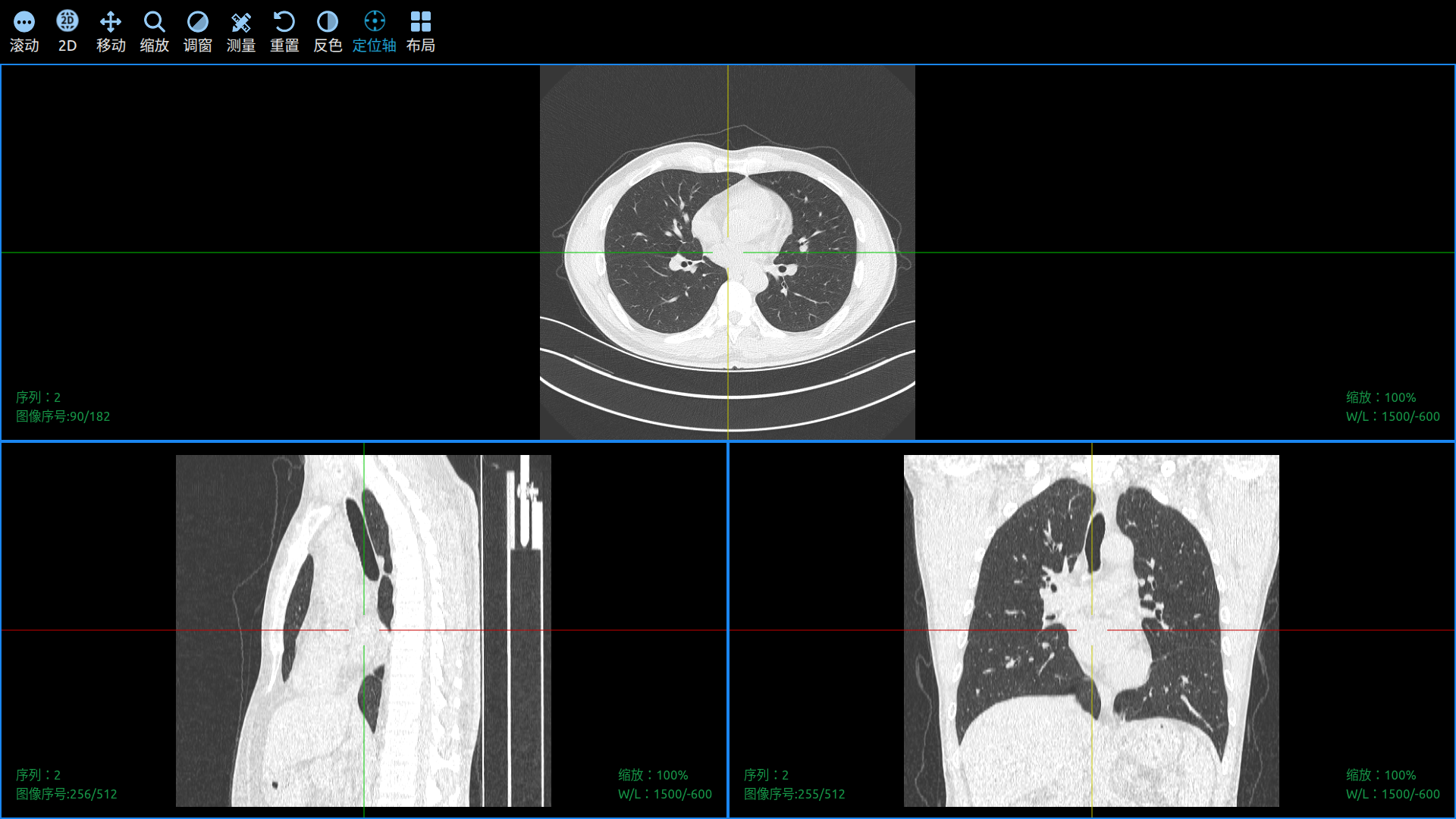
This comprehensive guide provides everything you need to know about building scalable cloud DICOM-WEB services, from architecture design to implementation and deployment. Perfect for healthcare technology professionals looking to implement modern medical imaging solutions.